
Stop watching the meter: three flat AI packs for your account
10 November 2026
Quick summary
- Pay as you go stays the default. Your wallet covers texts, calls, email and AI.
- Every dollar shows by product in Settings, Billing, Wallet & Transactions.
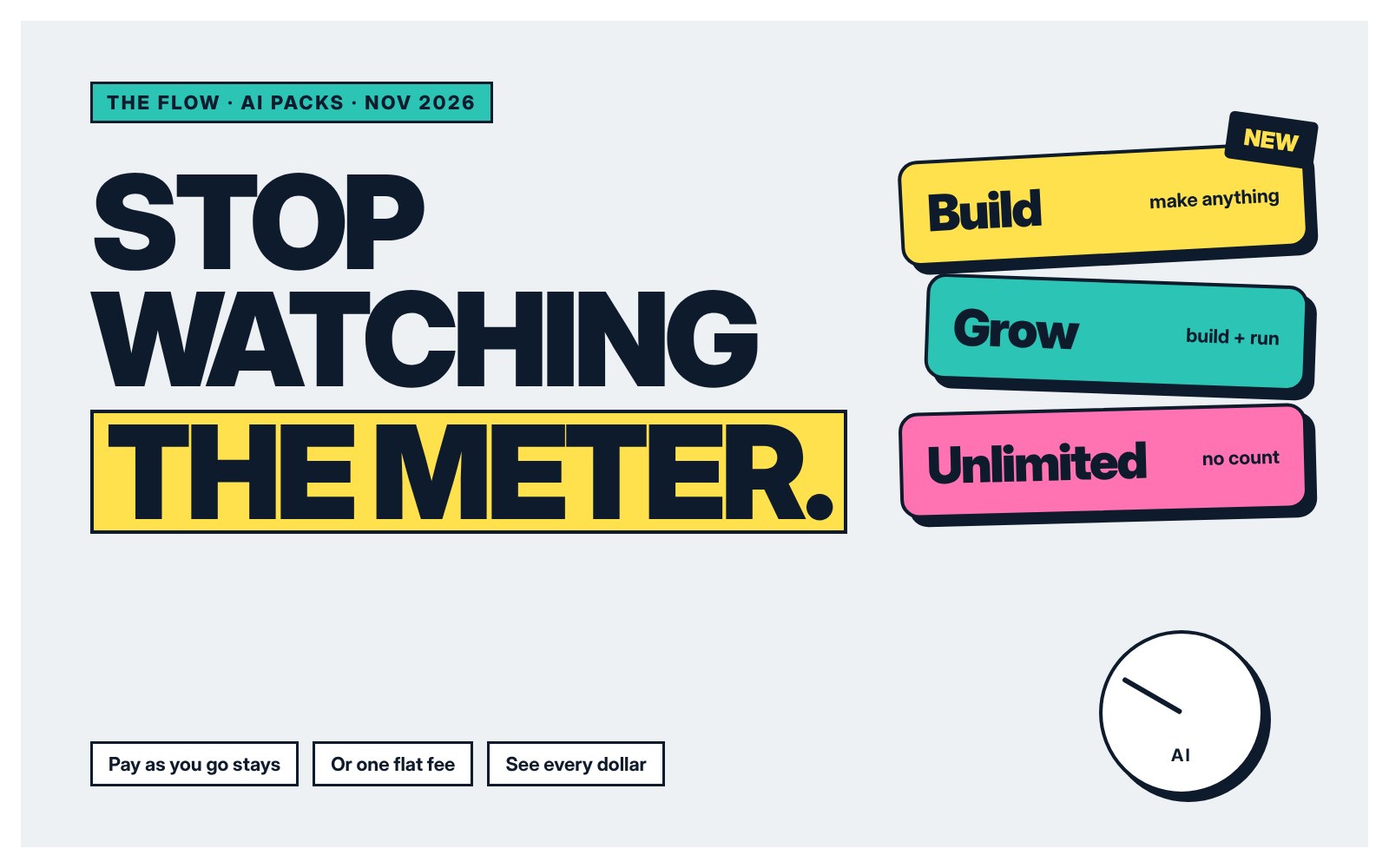
- Three AI packs swap counting for one flat monthly fee.
- Build is new. Full websites, portals, workflows, images and video, made by asking.
It's late, the kids are down, and you're halfway through a new booking page. You stop before the next request. Not because you're stuck. Because you're not sure what it costs.
That pause is what this is about, Nothing changes if you're happy paying as you go. If you'd rather not think about it, there's now a flat option.
See exactly where it goes
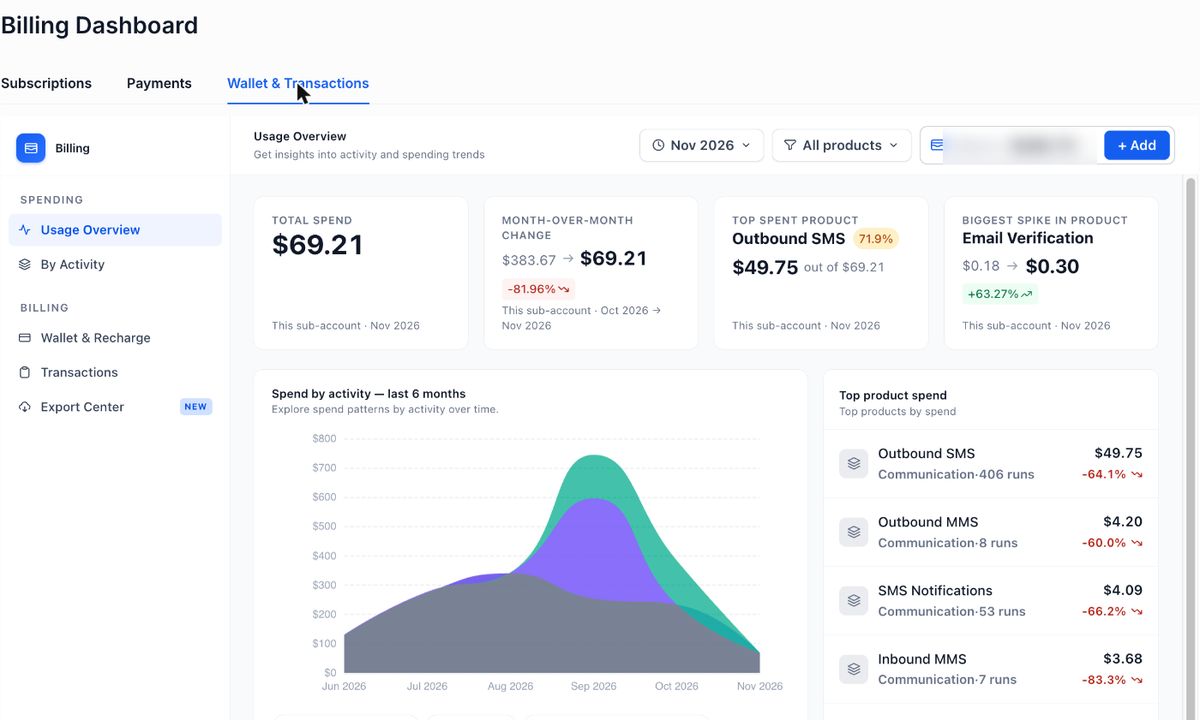
Every account has a usage overview. Total spend for the month, how it compares to last month, the product that cost the most, and a six month chart broken down by activity.
Find it: Settings, then Billing, then Wallet & Transactions, then Usage Overview.
Keep the wallet ticking over
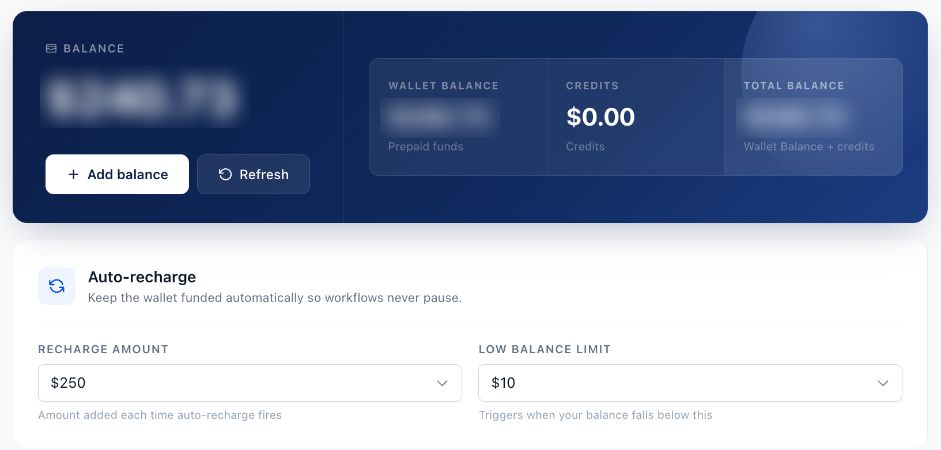
Set it once and forget it. When the balance drops under your limit, it tops itself back up by the amount you choose, Nothing pauses mid-conversation.
Find it: Wallet & Transactions, then Wallet & Recharge.
- Top up. Add credit any time. It doesn't expire while your account is open.
- Auto recharge. Pick a floor and an amount. It refills on its own.
- A monthly cap. AI spend has a ceiling we set with you, so it never runs away.
Two kinds of AI
Build is the AI you work with. It runs your whole account from a sentence. Full websites and portals. Workflows and scheduled jobs. Images, videos and social content.
Run is the AI that works while you don't. It replies to chats, answers the phone and responds to reviews, after hours too.
The build side isn't small stuff. Ask for a full website or a client portal and it builds it. Ask for a workflow, a scheduled report or a short video for socials and it makes that too. For a lot of businesses that's one less design app and one less video tool to pay for.
Three packs, one flat fee each
| Pack | Price | What it covers |
|---|---|---|
| Build | US$37.50 a month | An assistant that runs your whole account. Full websites, portals and apps. Workflows and scheduled jobs. Images, video and social content. Chats, calls and reviews stay on the wallet. |
| Grow | US$99 a month | Everything in Build with a bigger allowance, plus 1,000 chat replies and 100 call minutes a month, and review replies. |
| Unlimited | US$149 a month | Everything in Grow, with chat replies, call minutes and review replies that aren't counted, and the biggest build allowance. |
Prices plus GST, in US dollars to match the wallet. Fair use applies to every pack.
What stays on the wallet
Texts, phone calls, email sending and managed agents are always pay as you go, whatever pack you're on. Rates for each are on the usage page.
Which one?
Open your usage overview, If AI is a big slice of the chart, a pack is probably cheaper and you'll stop second-guessing. If it's mostly texts, stay as you are. Not sure? Book a quick chat and we'll look at it together.
Questions
Do I have to pick a pack?
No. Pay as you go stays the default. A pack is there if you'd rather pay one flat monthly fee for AI.
Where do I see what I'm spending?
In your account, go to Settings, then Billing, then Wallet & Transactions, then Usage Overview. It shows every dollar by product and a six month chart.
What isn't covered by a pack?
Texts, phone calls, email sending and managed agents. They stay on your wallet whatever pack you're on.
Keep reading