
How to get more Google reviews without begging or bribing
1 April 2025

Most owners know they should have more reviews. The asking is the problem. It feels pushy, you try it once, two people leave one and the rest go quiet, so you stop.
Here's the system I set up for clients that gets a steady flow of reviews without anyone feeling awkward, and without breaking Google's rules.
How do you get more Google reviews?
Ask every customer at the moment the job is finished, with a direct link to your review form, sent by text. Follow up once if they don't respond. Add a QR code where people wait or pay. Do it every time, not in bursts, and the reviews build on their own.
Why reviews matter more than your website
Search for a local service and look at what shows first. Ads, then the map with three businesses, then directories, then websites. The map is where people choose, and it ranks by relevance, distance and prominence. Reviews feed prominence, and they're the first thing a stranger reads before they call.
The fear is the bad one. Here's the maths that fixes that fear. Five reviews with one bad is a 4.2 and it looks shaky. A hundred reviews with one bad is a 4.9 and nobody notices it. The only time a bad review really hurts is when you've got hardly any.
A real result: Alloy Fix, 18 to 96 reviews
Alloy Fix repairs alloy wheels for the luxury end of the market. Great reputation, top work, very manual business. Bookings by phone and email, Google Ads switched on and off, and 18 reviews, all five stars.
We automated everything around the actual repairs. One part was reviews: when a job is marked complete, the request goes out on its own. Six months later he had 96 reviews, still all five stars, sitting first on the map for his area.

The reviews came in steadily, a few a week, because they followed real jobs. That's the pattern you want.
The system, step by step
- Get your direct review link. From your Google Business Profile, copy the link that opens the review box straight away. Nobody should have to search for you.
- Ask when the job is done. Not a week later. The moment you finish, while they're happy and the work is fresh.
- Send it by text. Short, personal and signed. People read texts. Email works as a backup.
- Follow up once. If there's no review after two or three days, send one gentle reminder. Then stop.
- Put a QR code where people wait or pay. The counter, the invoice, the back of a business card, the van.
- Reply to every review. Thank the good ones by name. Answer the hard ones calmly and offer to fix it offline. Future customers read your replies too.
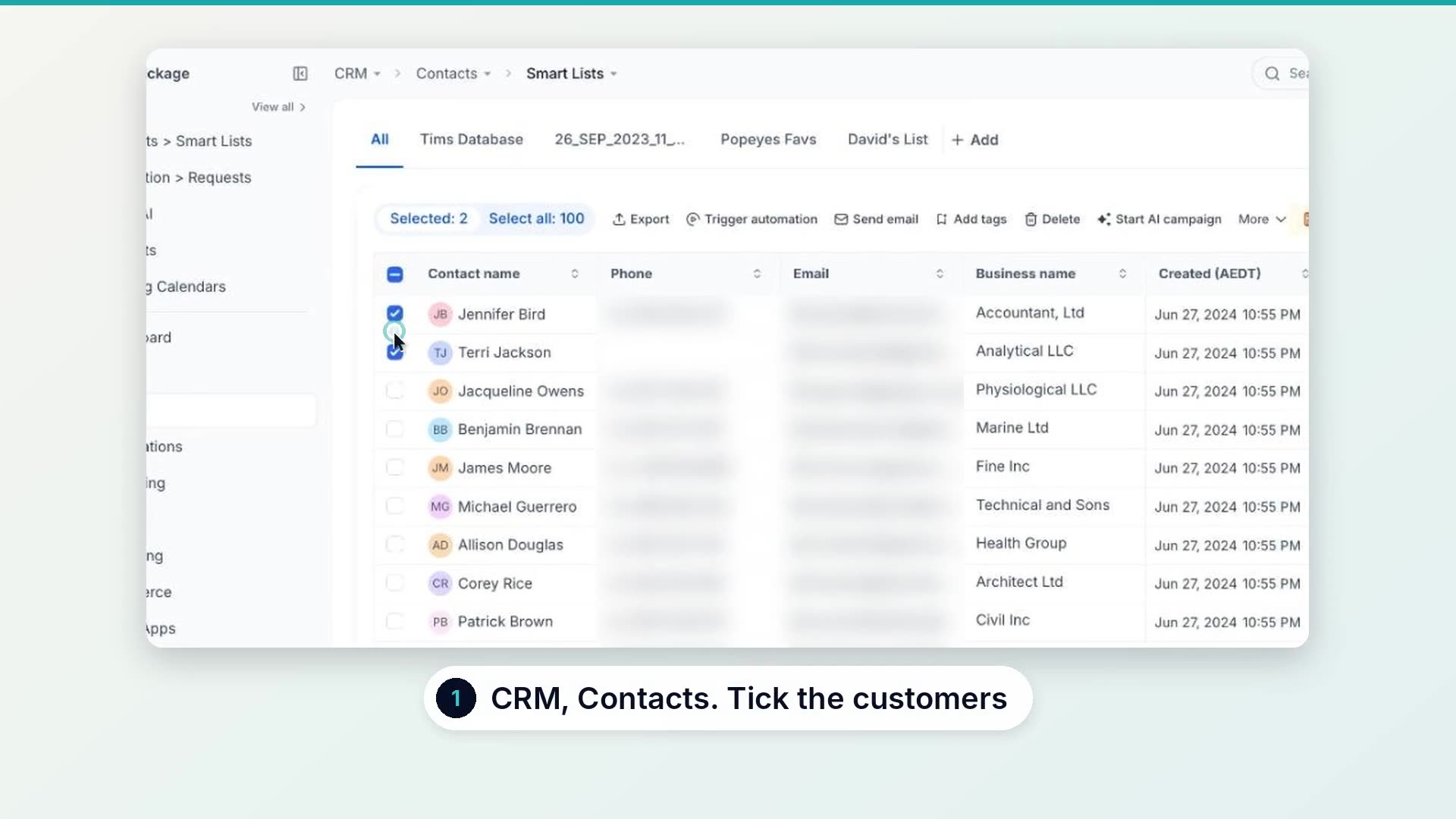
What the text should say
Hi Sarah, thanks for having us out today. If you've got 20 seconds, a quick Google review helps us more than you'd think: [your review link]. Thanks, Dave at Alloy Fix
Name, thanks, the ask, the link, your name. That's it. If you're messaging an old customer list rather than today's jobs, add a reply STOP line so they can opt out.
The rules to stay inside
- No incentives. No discounts, gift cards or prize draws for reviews. Google removes them and can restrict your profile.
- Ask everyone. Screening out unhappy customers before they reach Google breaks its policy.
- No reviews from staff or family. Google treats those as conflicts of interest.
- Don't write them for people. A suggested line is fine. A pre-written review is not.
Got a review that breaks the rules? Here's how to remove a bad Google review in Australia.
Replying without thinking about it
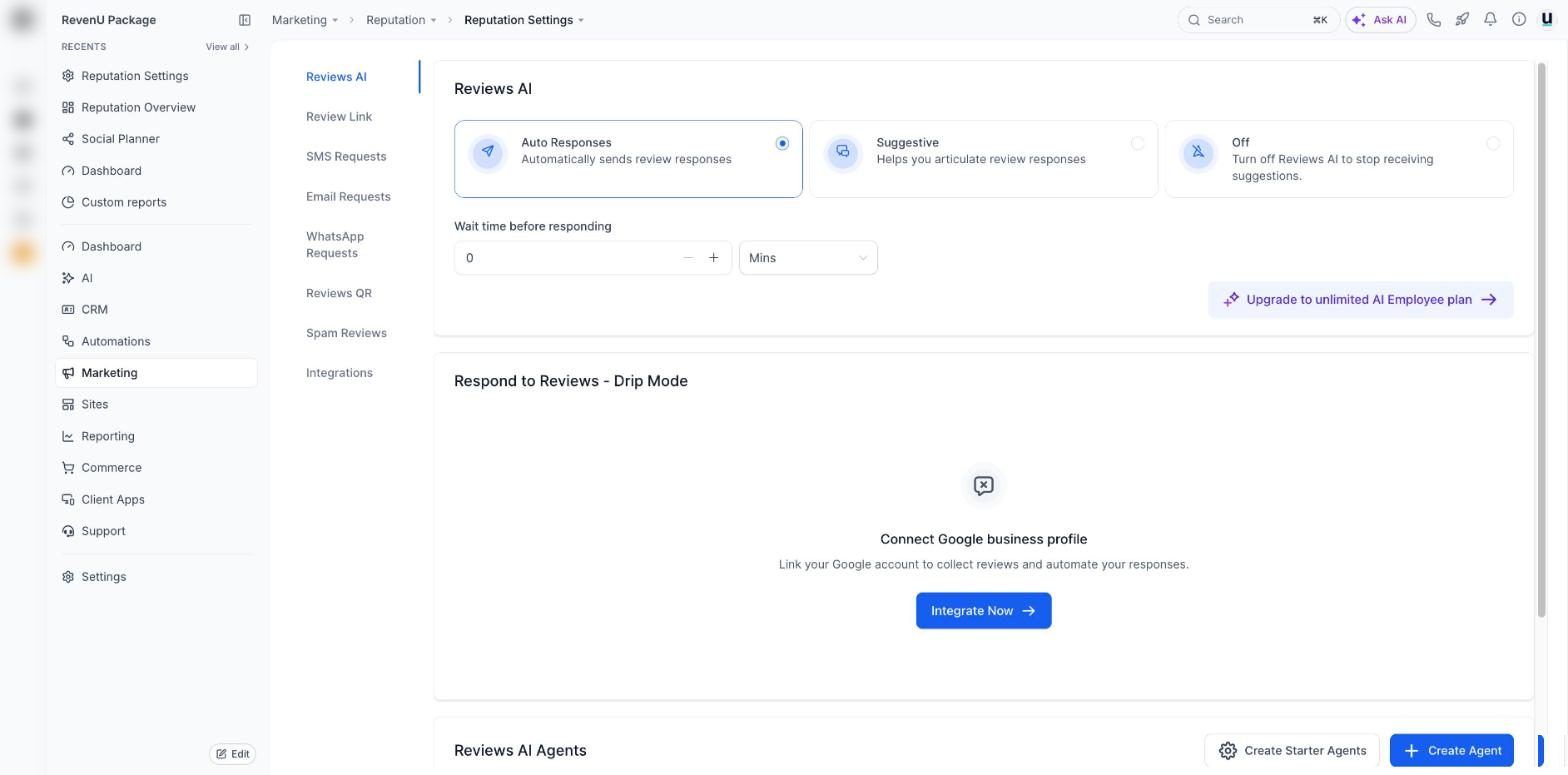
Once the reviews start coming, replying becomes the next job. In revenu, AI can draft or post the replies for you in your tone, so every review gets an answer the same day.
Questions people ask
How do you get more Google reviews?
Ask every happy customer, at the moment the job is done, with a direct link to your review form. Send it by text, follow up once if they don't respond, and put a QR code where people wait or pay. Consistency matters more than volume.
Can I offer a discount for a Google review?
No. Google's policy bans incentives for reviews, and it can remove the reviews or restrict your profile. Under Australian Consumer Law, paid or rewarded reviews that look genuine can also be misleading.
Is it okay to only ask happy customers?
Asking everyone is the safe rule. Filtering out unhappy customers before they reach Google, often called review gating, breaks Google's policy. Ask everyone and handle problems properly when they come up.
How many review requests should I send a day?
Send them as jobs finish. If you're catching up on an old customer list, spread it over a few weeks rather than a single blast, so the reviews arrive at a natural pace.
If you'd like the request, the follow-up and the replies running on their own, that's a standard part of a revenu build. Book a chat and I'll show you what it looks like in your account.
Keep reading